Penbloom Studio
Write your book.
Free. Offline. Yours.
Penbloom Studio is a free app for Windows. Write your book, then turn it into a print-ready PDF, a Word file or an ebook.
Windows 10 and 11, 64-bit. Version 0.1.0. About 23 MB.
There is no Mac or Linux version yet.
About this video
A short preview of Penbloom Studio. It opens on the home screen, next to the words "Write your book. Free. Offline. Yours." The screenshots below show the rest of the app. The video is muted until you turn the sound on, and it does not play by itself if your device asks for less motion.
A look inside
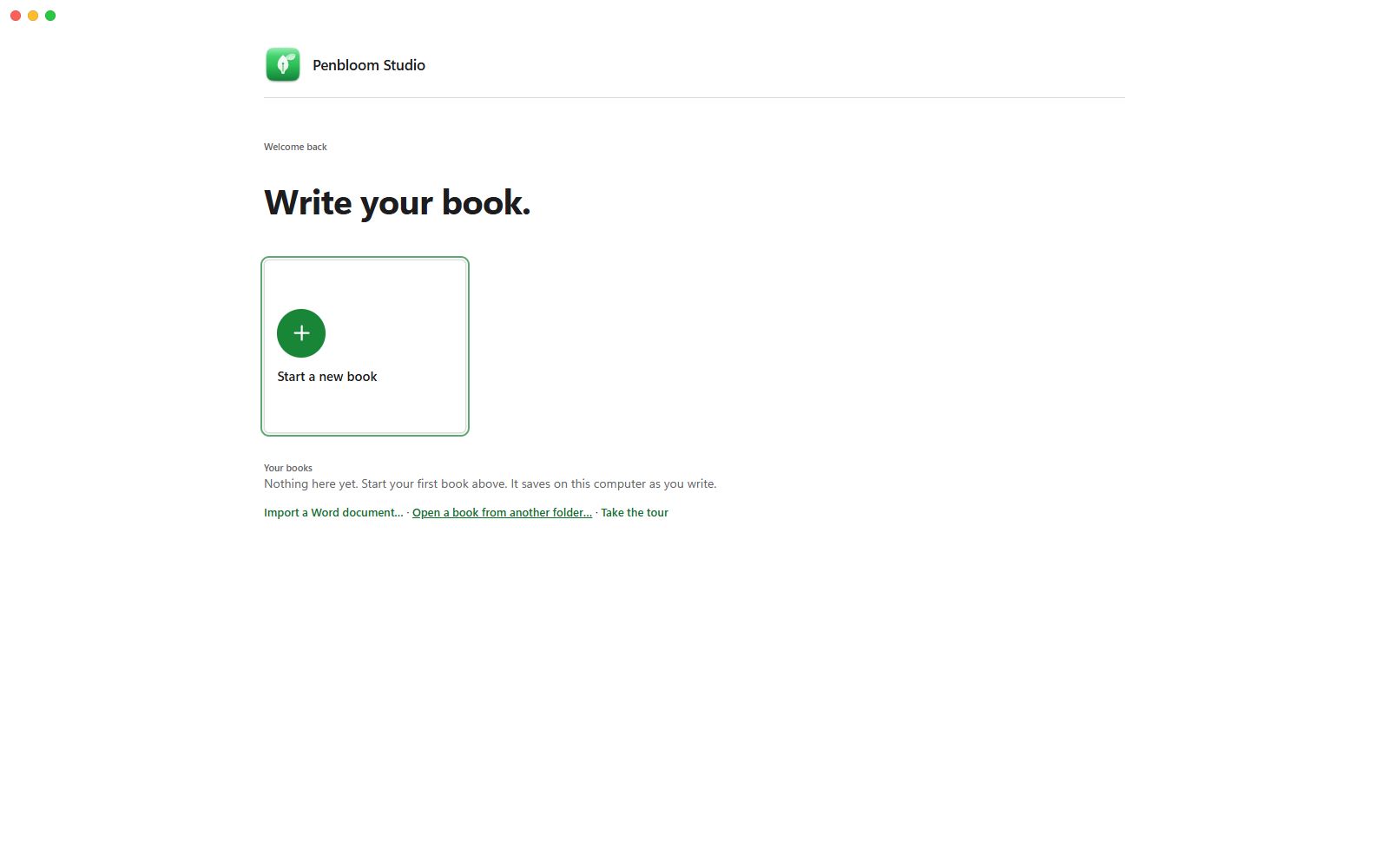
Home 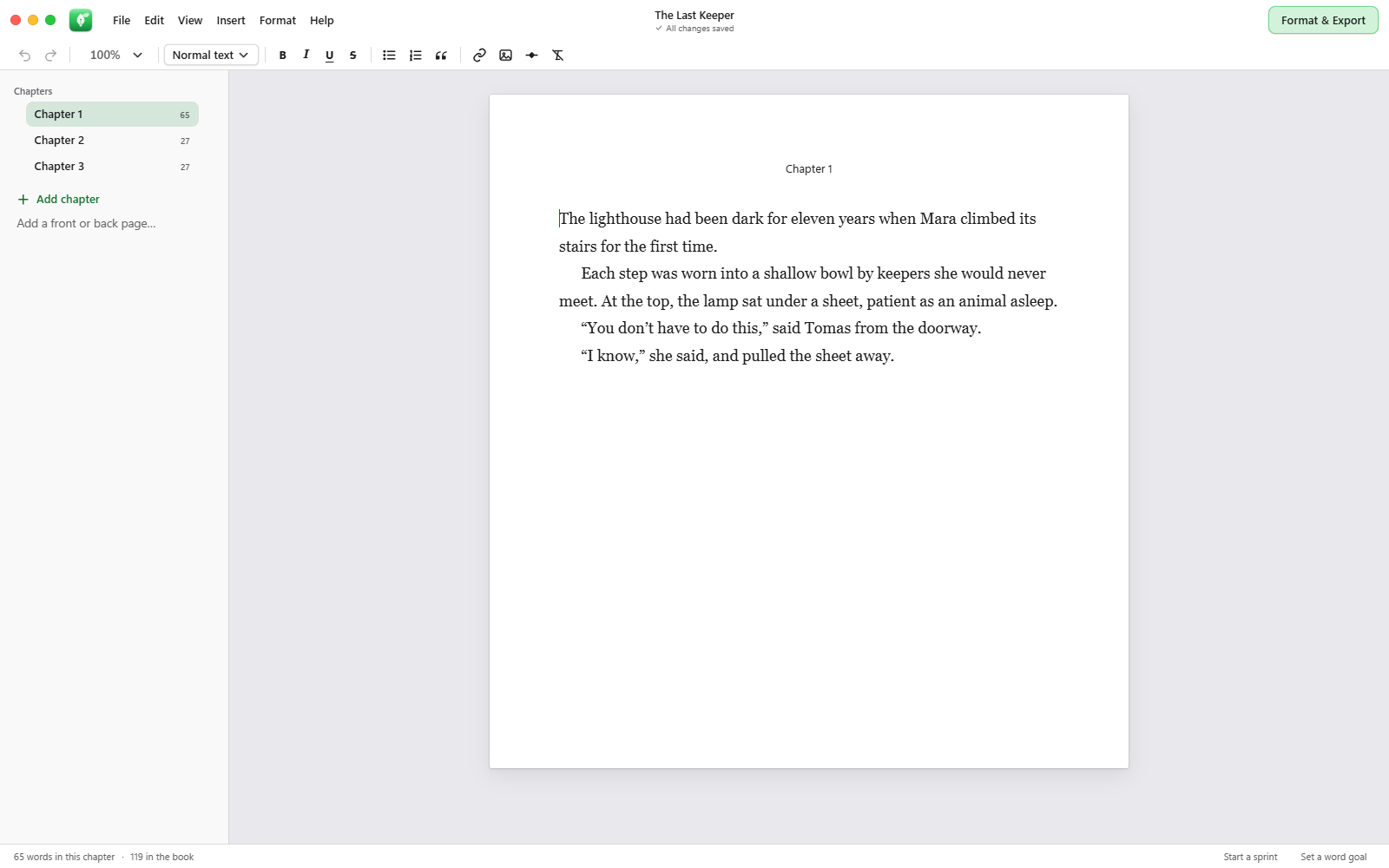
Editor, light 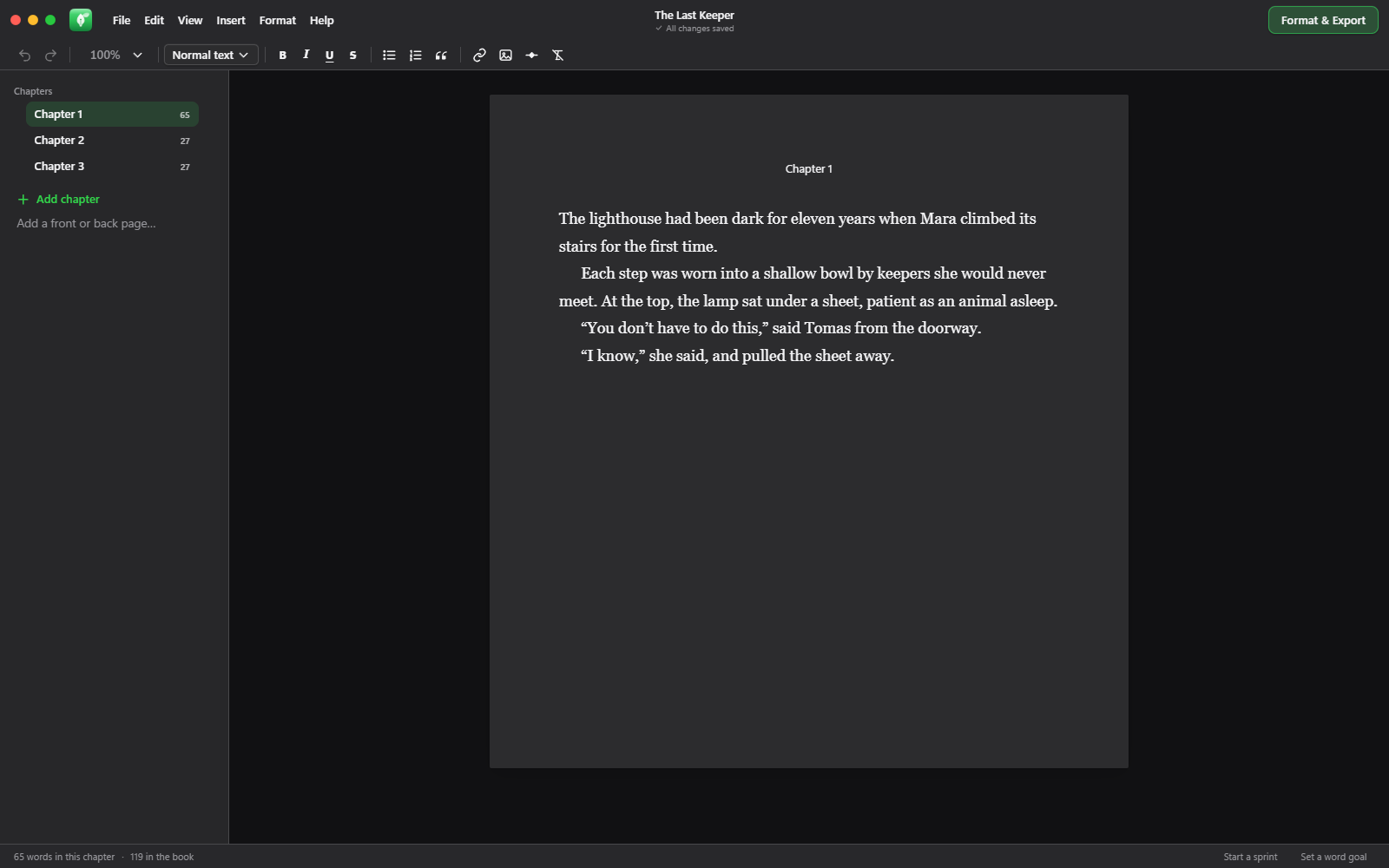
Editor, dark 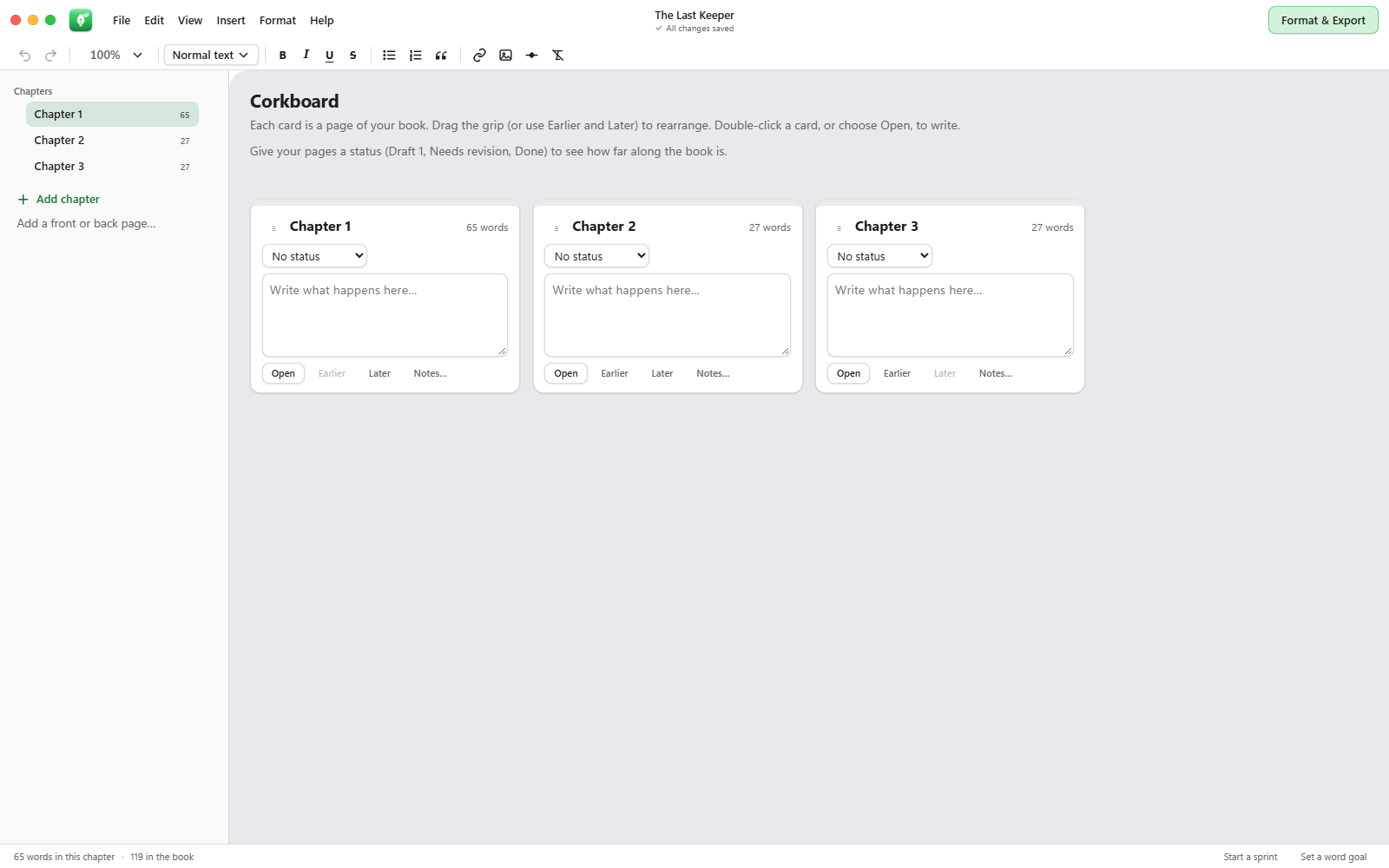
Corkboard 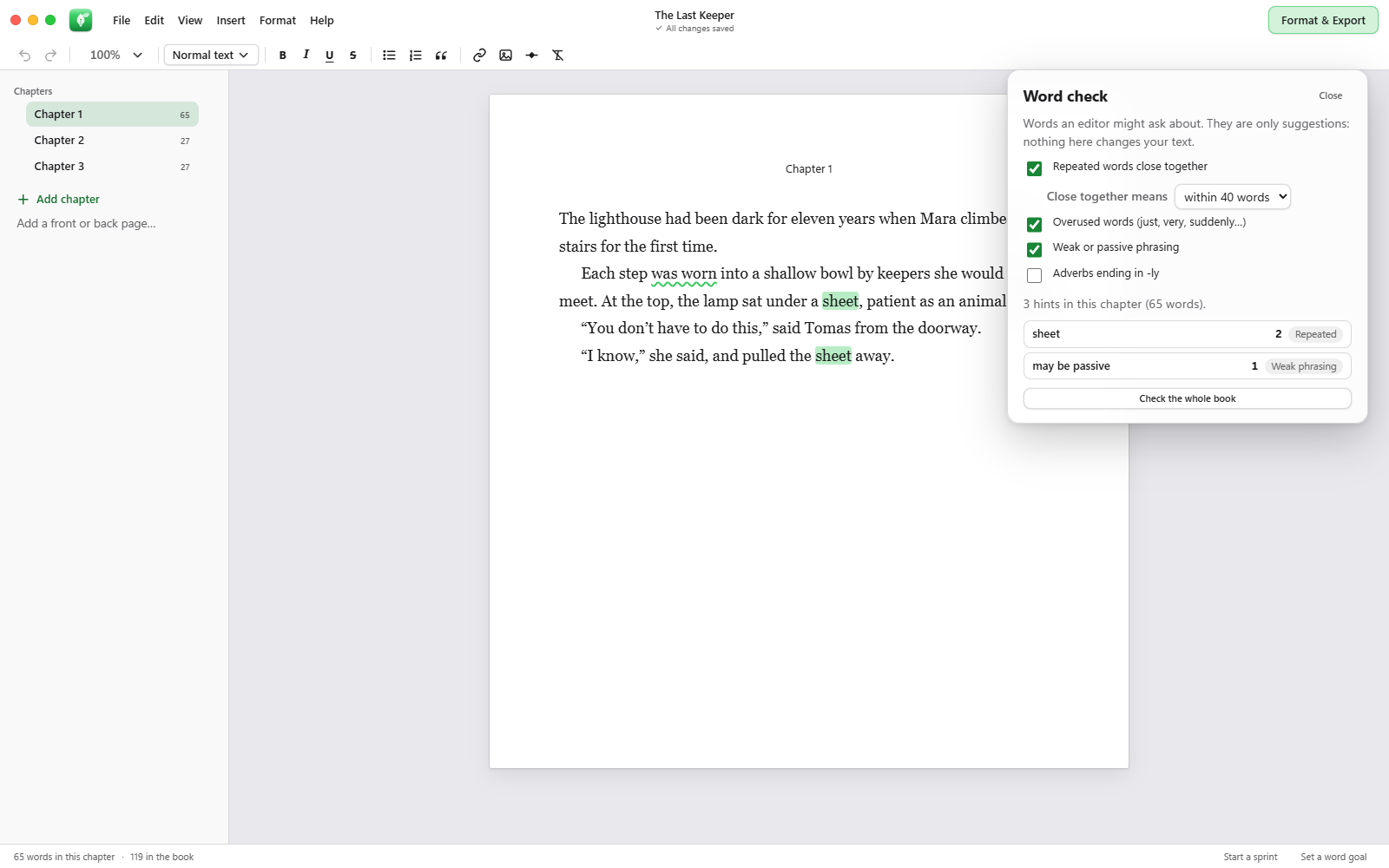
Word check 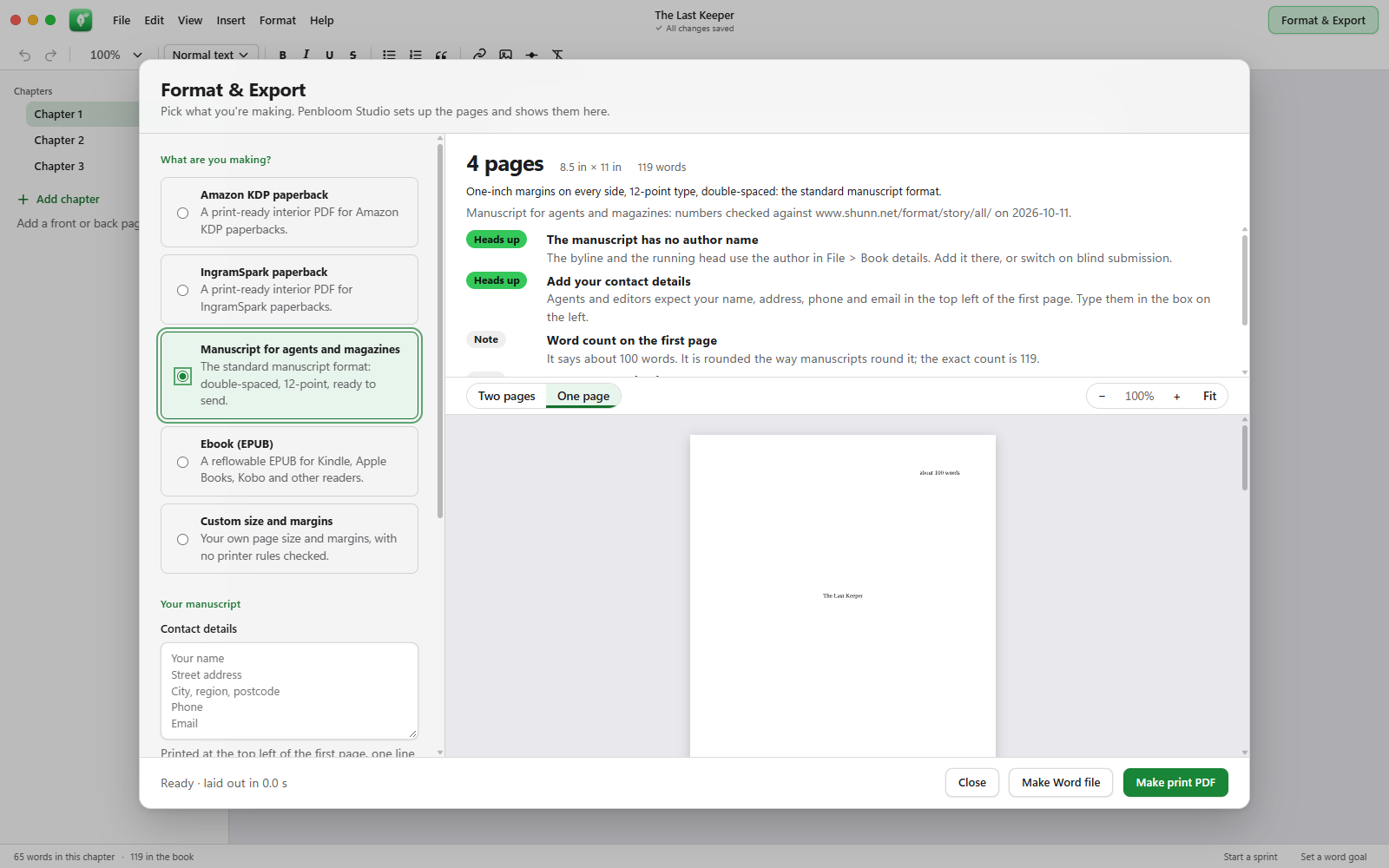
Format and export 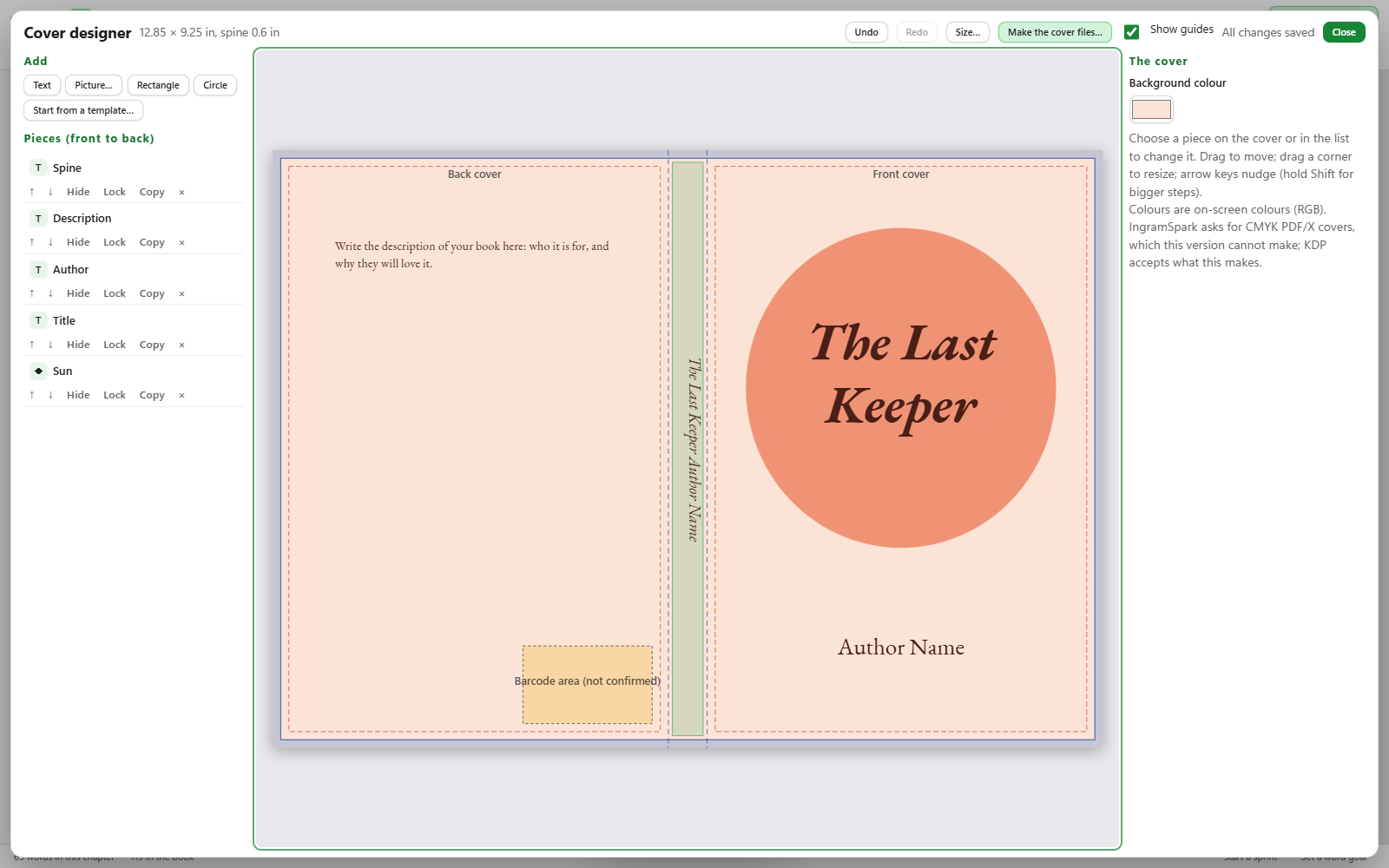
Cover designer 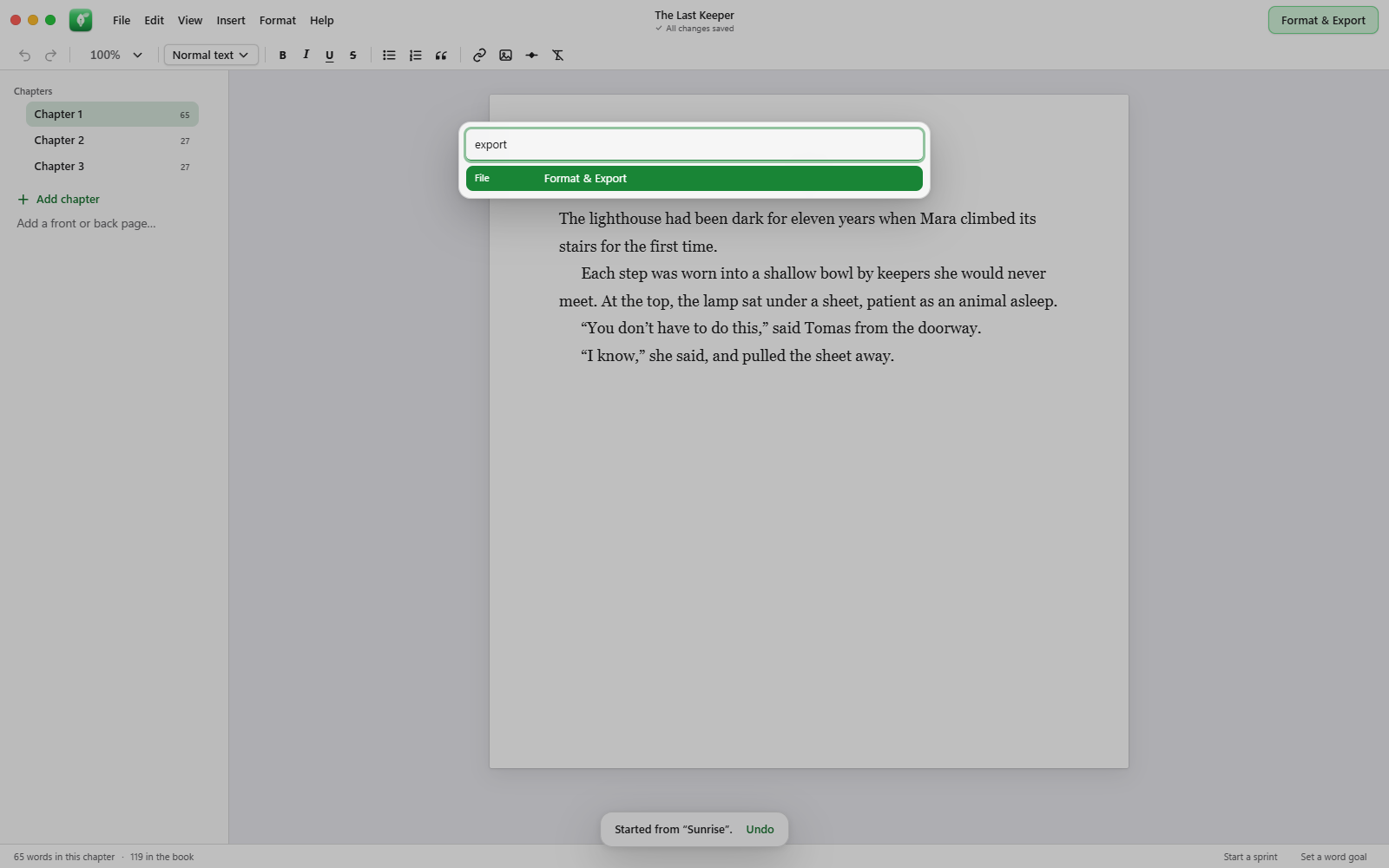
Command palette


What it does
Write
A calm page and a chapters list. Your work saves itself, with rolling backups. Set goals, scroll like a typewriter, or switch on focus mode.
Organize
Plan on a corkboard with parts and scenes. Keep linked notes, see them as a graph, build a timeline, draw maps, and work in split screen.
Polish
Word check finds echoes, overused words, weak phrasing and passive voice, in English and Spanish. Also a dialogue view, a text graveyard so cut text is never lost, saved versions, track changes and comments.
Format and export
Paperback interiors for Amazon KDP and IngramSpark, a submission manuscript, an EPUB ebook, a Word file and Markdown. Plain-language checks and a live page preview. Printer numbers come from the printers' own pages, with the date checked.
Cover
A cover designer with templates, a spine and cover size calculator, a print cover PDF, a front cover image and an ebook cover.
Everywhere
Light and dark looks, a command palette (Ctrl+Shift+P) and a guided tour for your first time.
How to install
Download
Press Download for Windows. You get one file, Penbloom-Studio-Setup.exe, about 23 MB.
Run the installer
Double-click the file. It installs just for you, so Windows does not ask for an administrator password.
Open Penbloom Studio
Find it in your Start menu and start your first book.
If Windows says "Windows protected your PC"
The installer is not code-signed yet, so Windows may show this warning. Click More info, then Run anyway. If you would like to check the file first, compare its SHA-256 below.
Check your download (optional)
SHA-256 of Penbloom-Studio-Setup.exe, version 0.1.0. In PowerShell, run Get-FileHash Penbloom-Studio-Setup.exe and compare.
34afc936060d1b540658a15123d65288e0bb4e5041ba6b73ca7ebf4f9b3ced65
Privacy and licence
- You do not need an account.
- Penbloom Studio works offline. It has no tracking, and nothing leaves your computer.
- Your books are saved on your computer as ordinary folders.
- It is free to use. It is not open source.
Read the licence and the third-party notices. Both also come with the app.
Report a problem
Penbloom Studio sends nothing, so it cannot tell us when something goes wrong. This form is how you can. You can also write to szjweiles@gmail.com.